Camera
The Mecha Comet features a 5-megapixel camera with autofocus, making it ideal for multimedia applications such as photography and computer vision tasks. The camera is complemented by dual digital microphones for high-quality audio capture.
The Camera App in Mecha Comet is a simple application photography, leveraging the device's 5 MP auto-focus camera.
Accessing the Camera App
The Camera App comes pre-installed on the Mecha Comet. You can launch it using:
-
App Drawer – Swipe up on homescreen, tap on Camera App to open.
-
Terminal Command – Run the following command:
$ mechanix-camera
Adjustable Resolution
The Camera App allows users to adjust the resolution for capturing images,
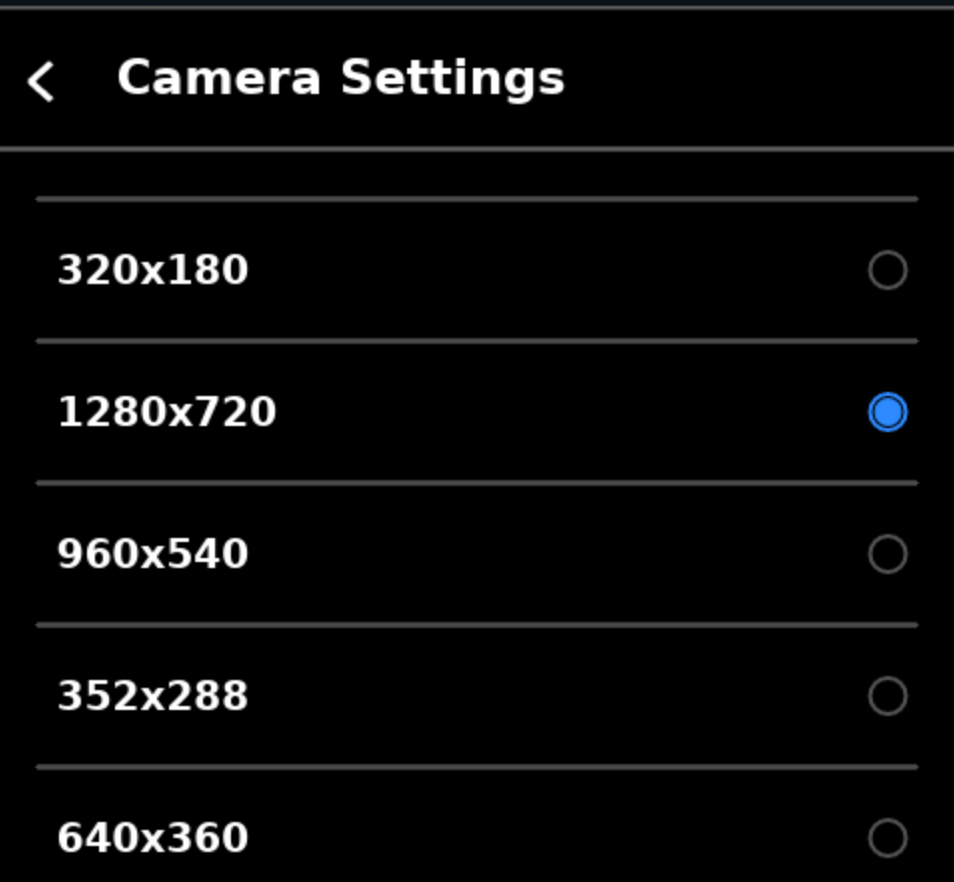
This flexibility lets users balance quality and storage needs based on their preferences.
Storage Location
Images captured using the Camera App are stored in the device’s internal storage at:
~/Documents/Pictures/